All help articles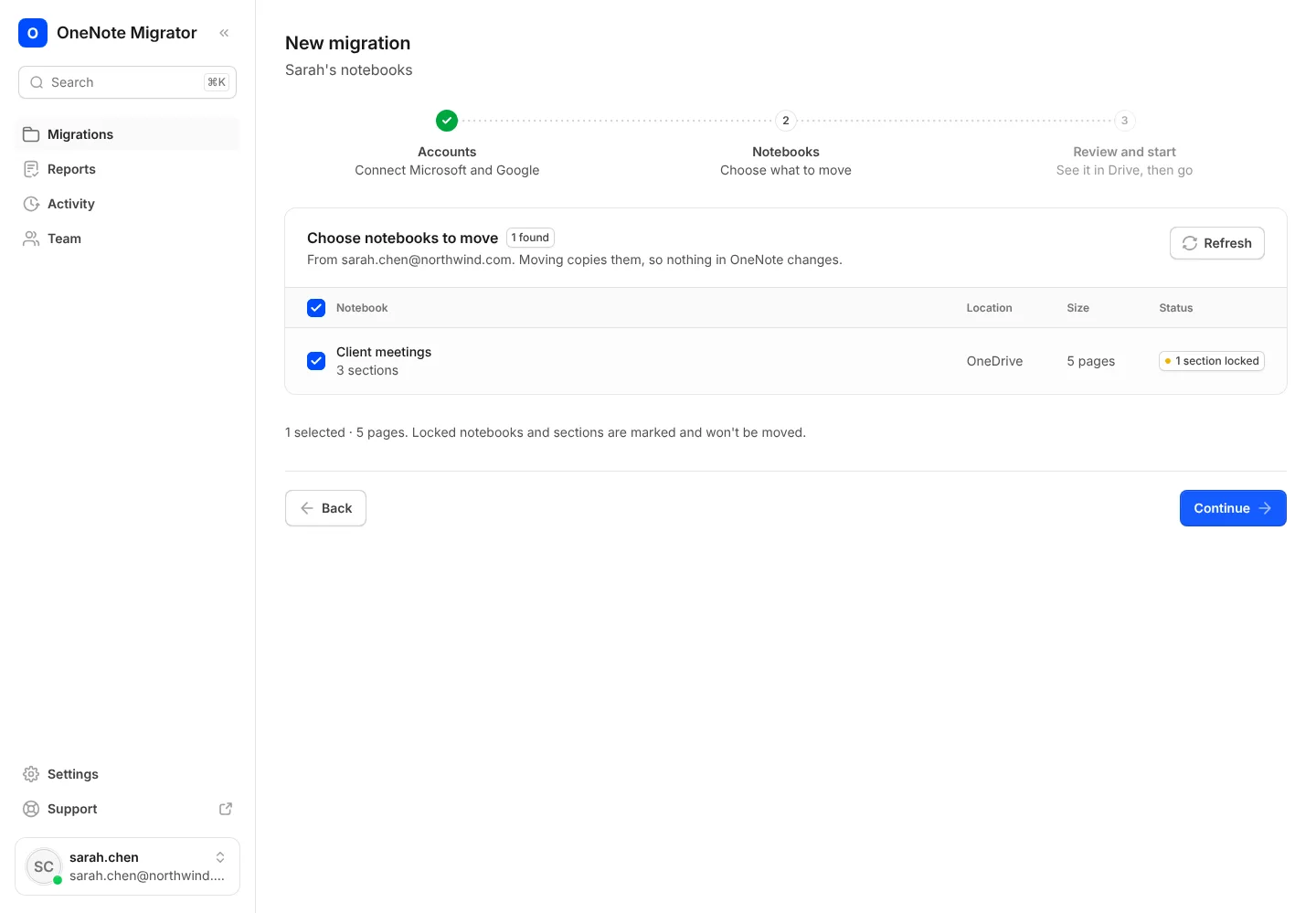
Getting started
Move your first notebook
From signing in to opening your notes in Google Docs, in five steps.
- 1
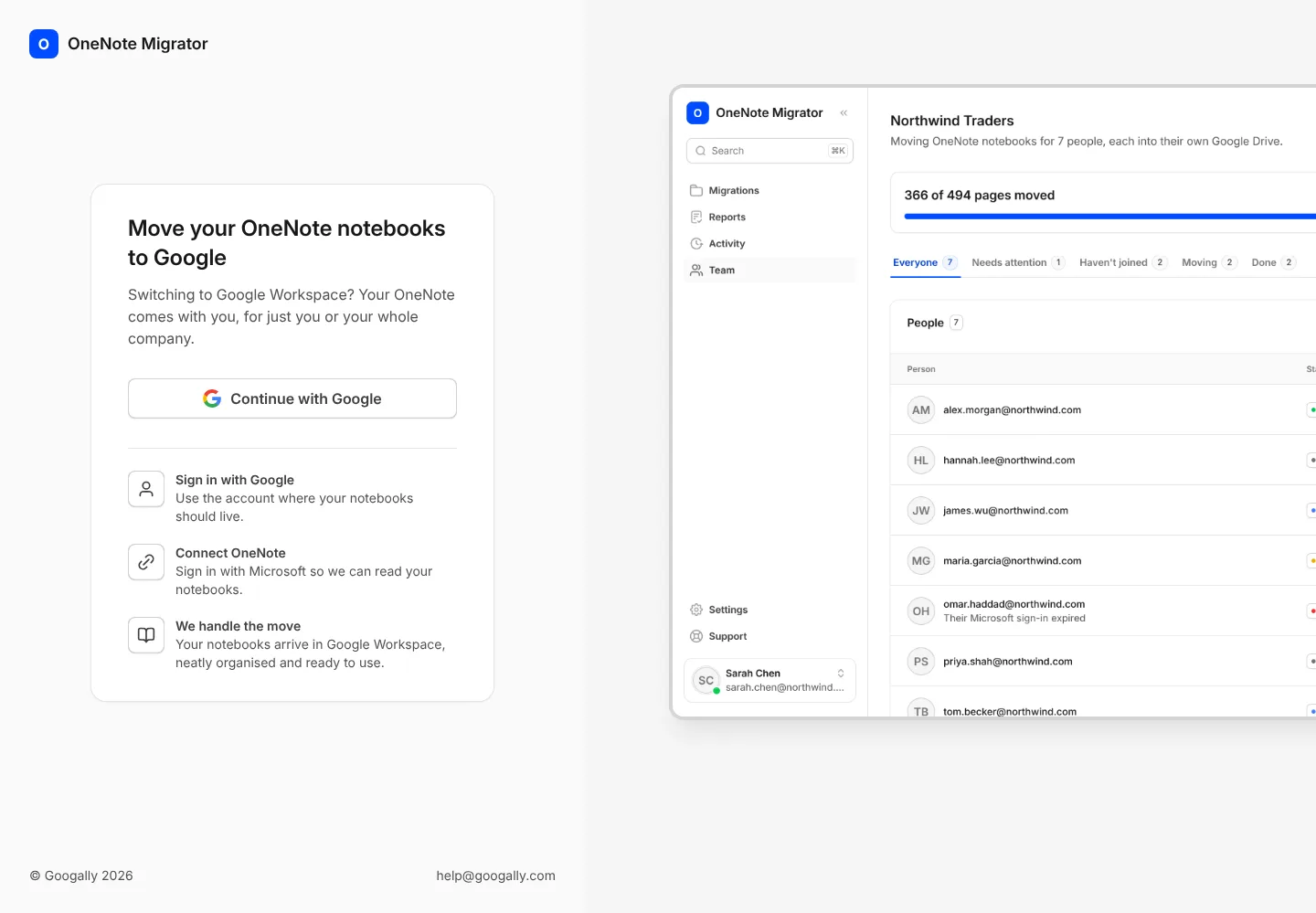
Sign in with the Google account whose Drive your notes should go to.
- 2
Connect OneNote by signing in with Microsoft, then pick the notebooks you want to move.
- 3
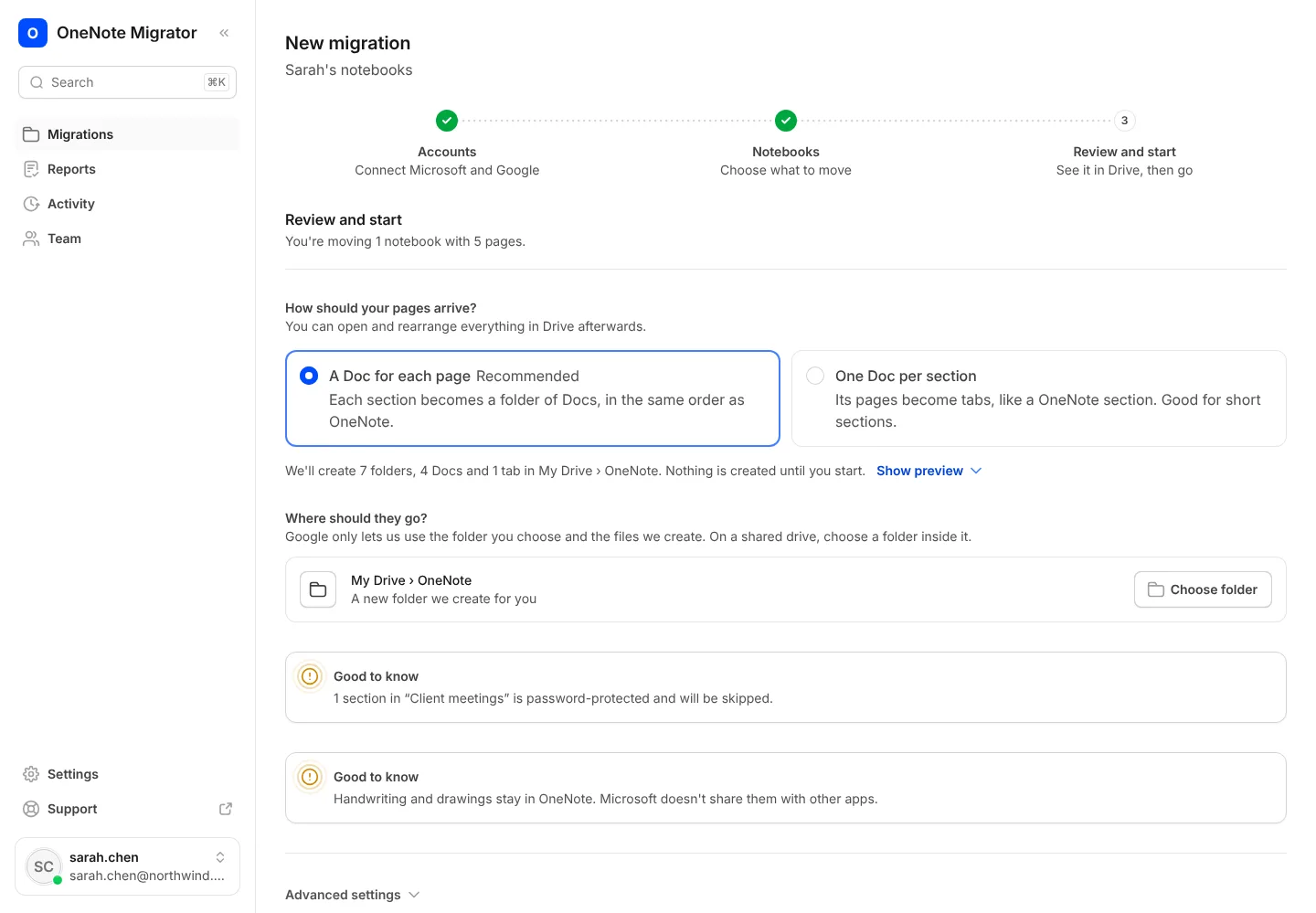
Choose a layout and a folder. The preview shows exactly what will be made in Drive.
- 4
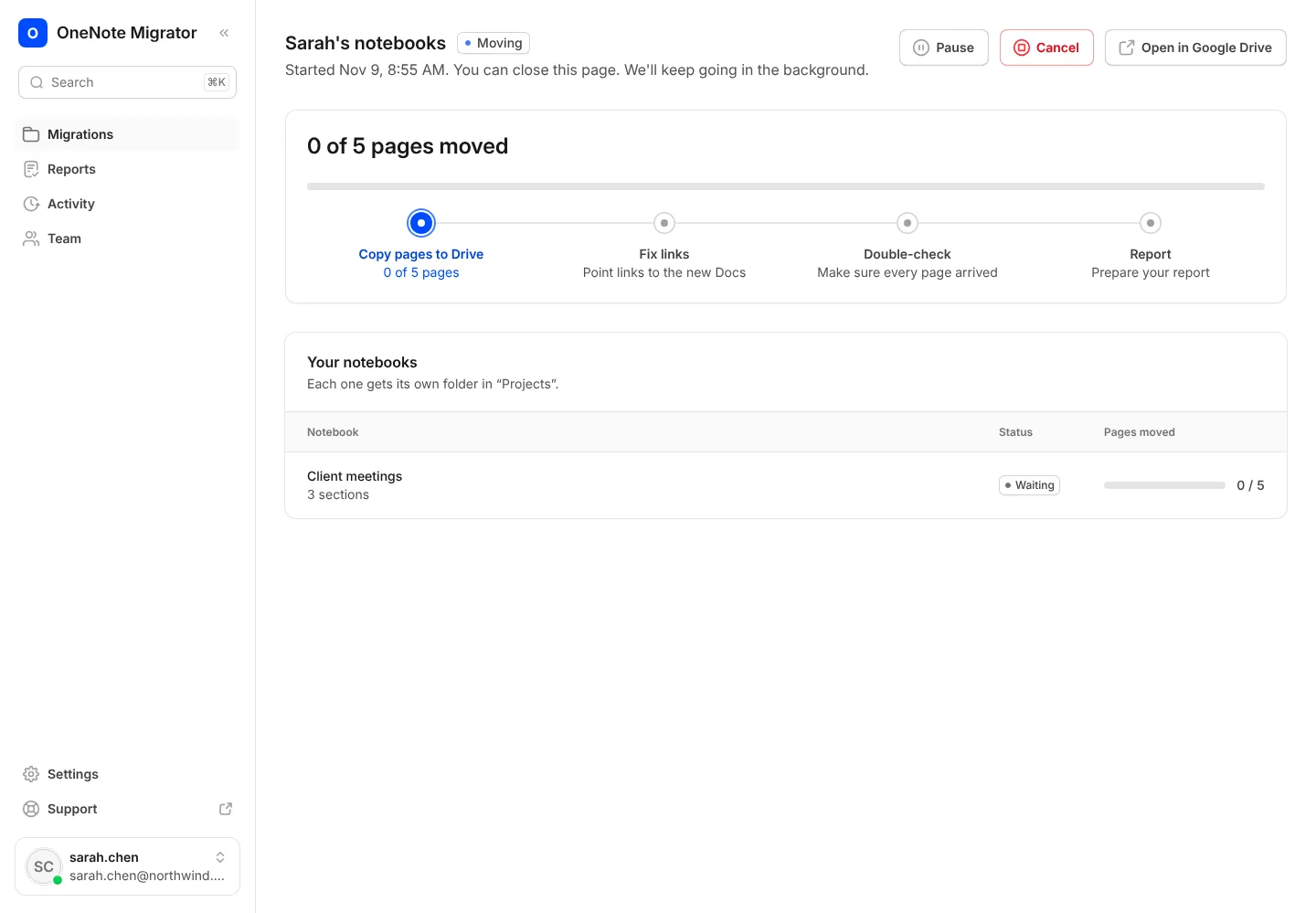
Press Start. You can close the page; the move carries on without you.
- 5
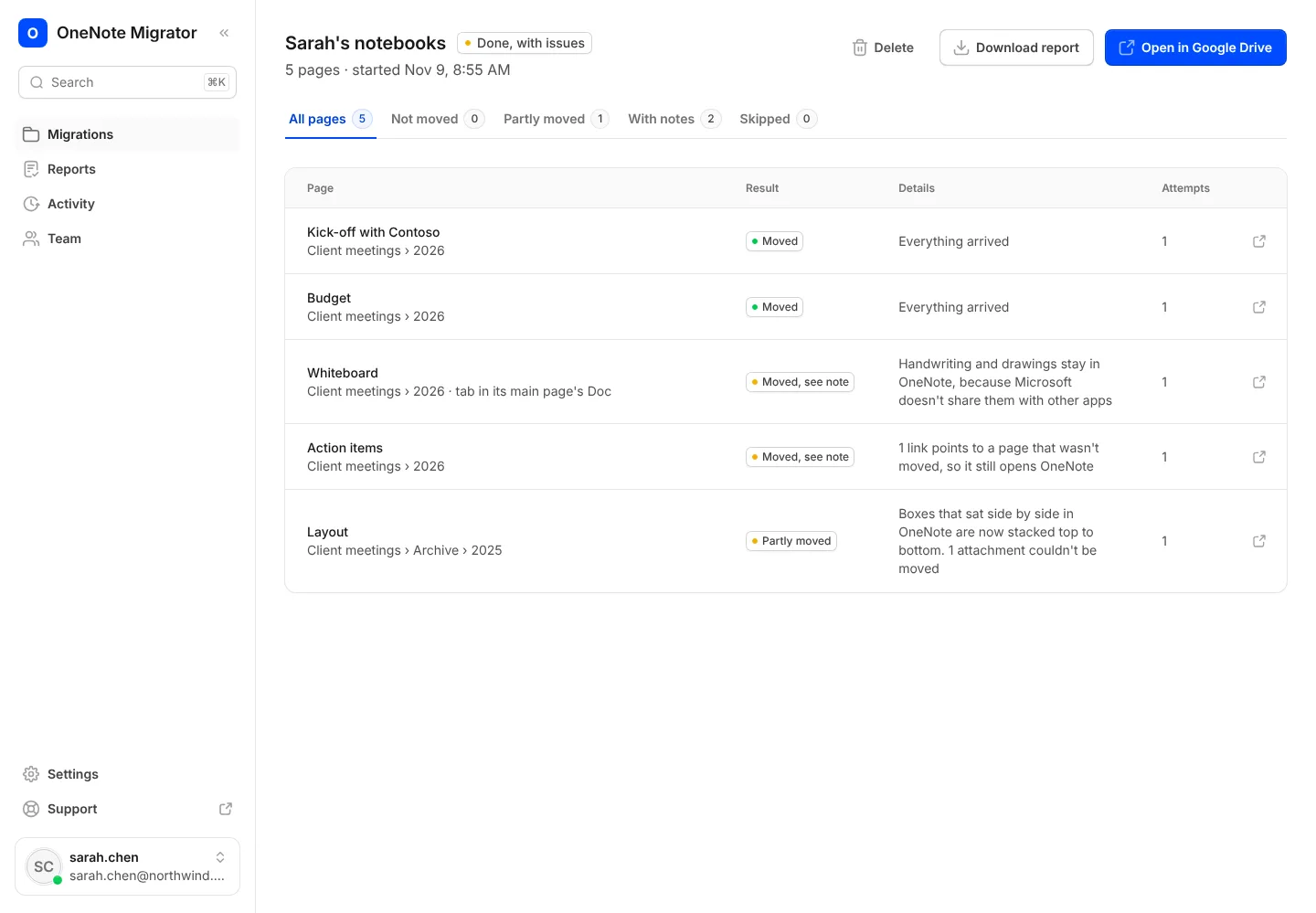
When it’s done, open the report to see every page and where it went.
Bring your OneNote with you to Google
Sign in with Google, connect OneNote, and see how your notebooks will look before anything moves.