All help articles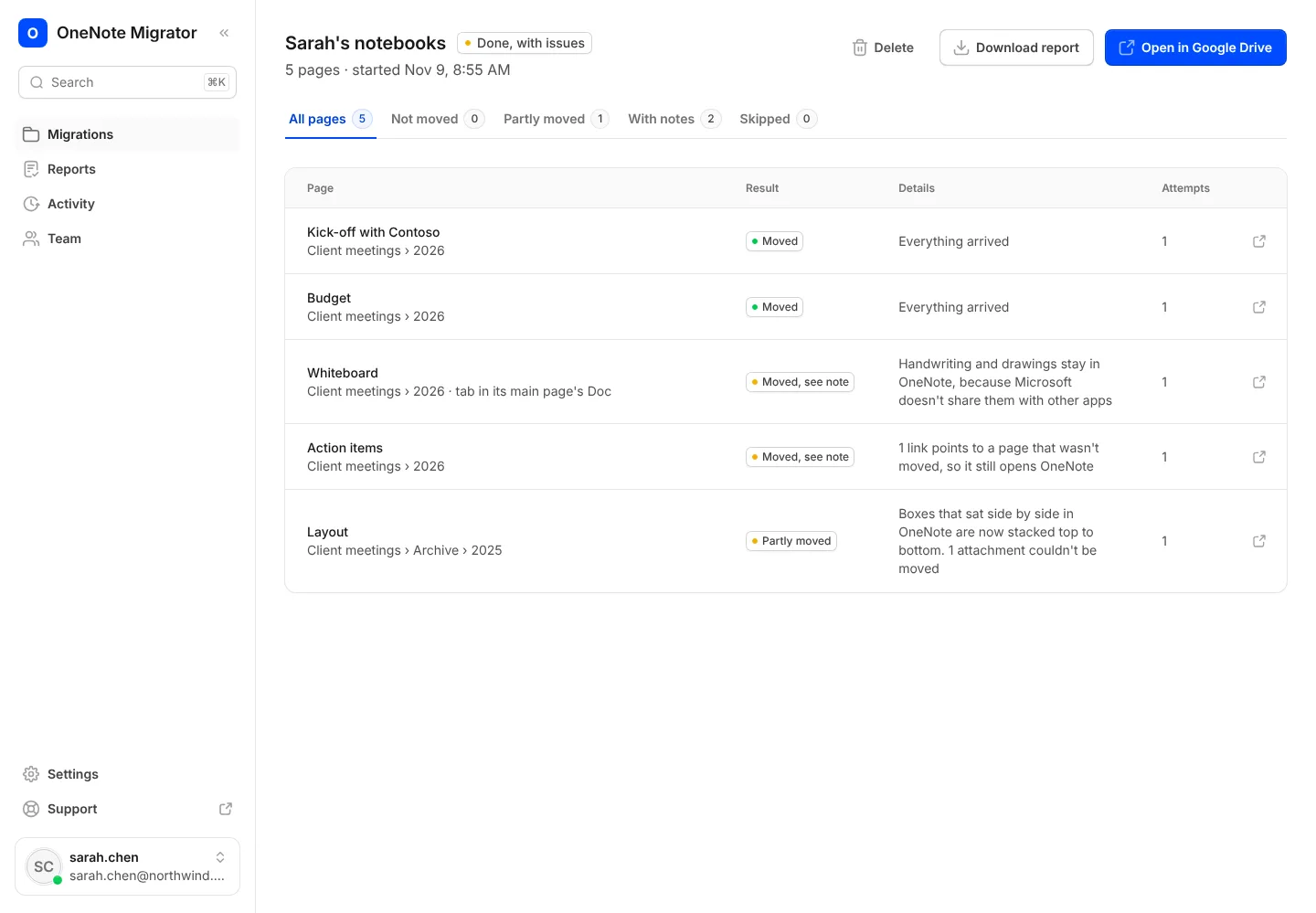
Moving your notebooks
Read your report
See every page that moved, where it went, and anything to check.
- 1
Open the migration. Each page shows its result and a link to its Google Doc.
- 2
Press Download report to keep a spreadsheet of every page for your records.
Bring your OneNote with you to Google
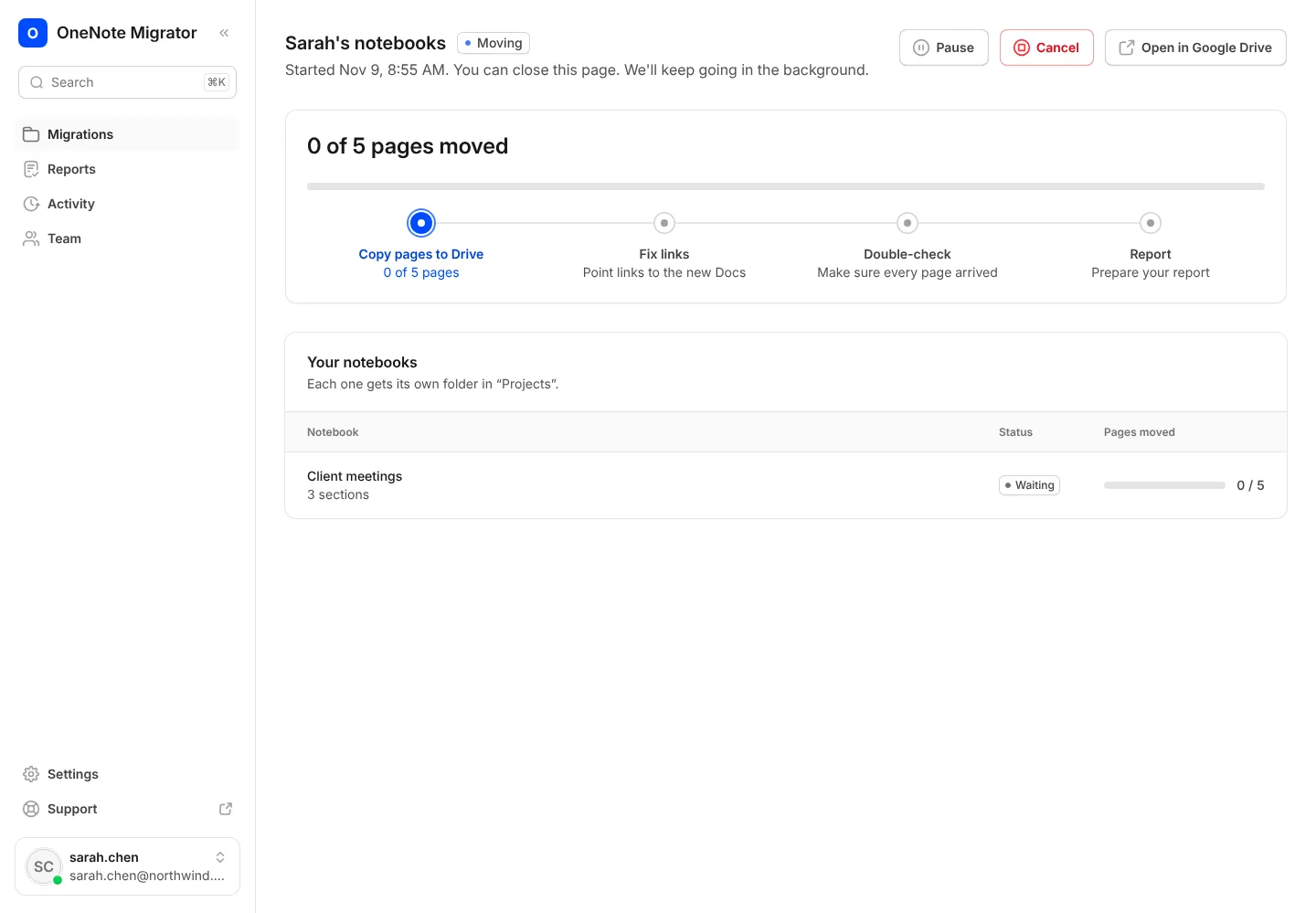
Sign in with Google, connect OneNote, and see how your notebooks will look before anything moves.