All help articles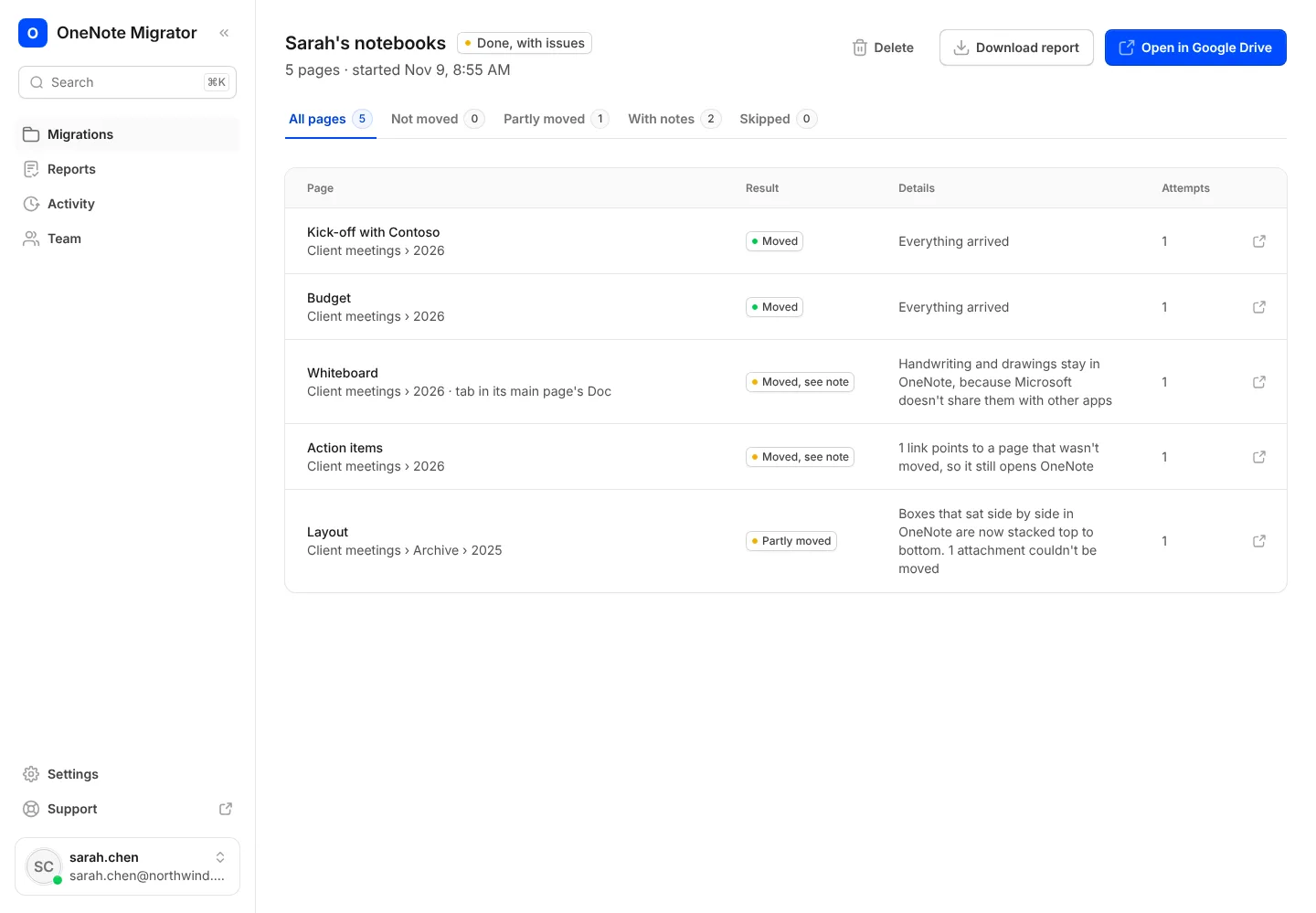
Fixing problems
Try again on pages that didn't move
Find out why a page didn't arrive, and move just those pages again.
- 1
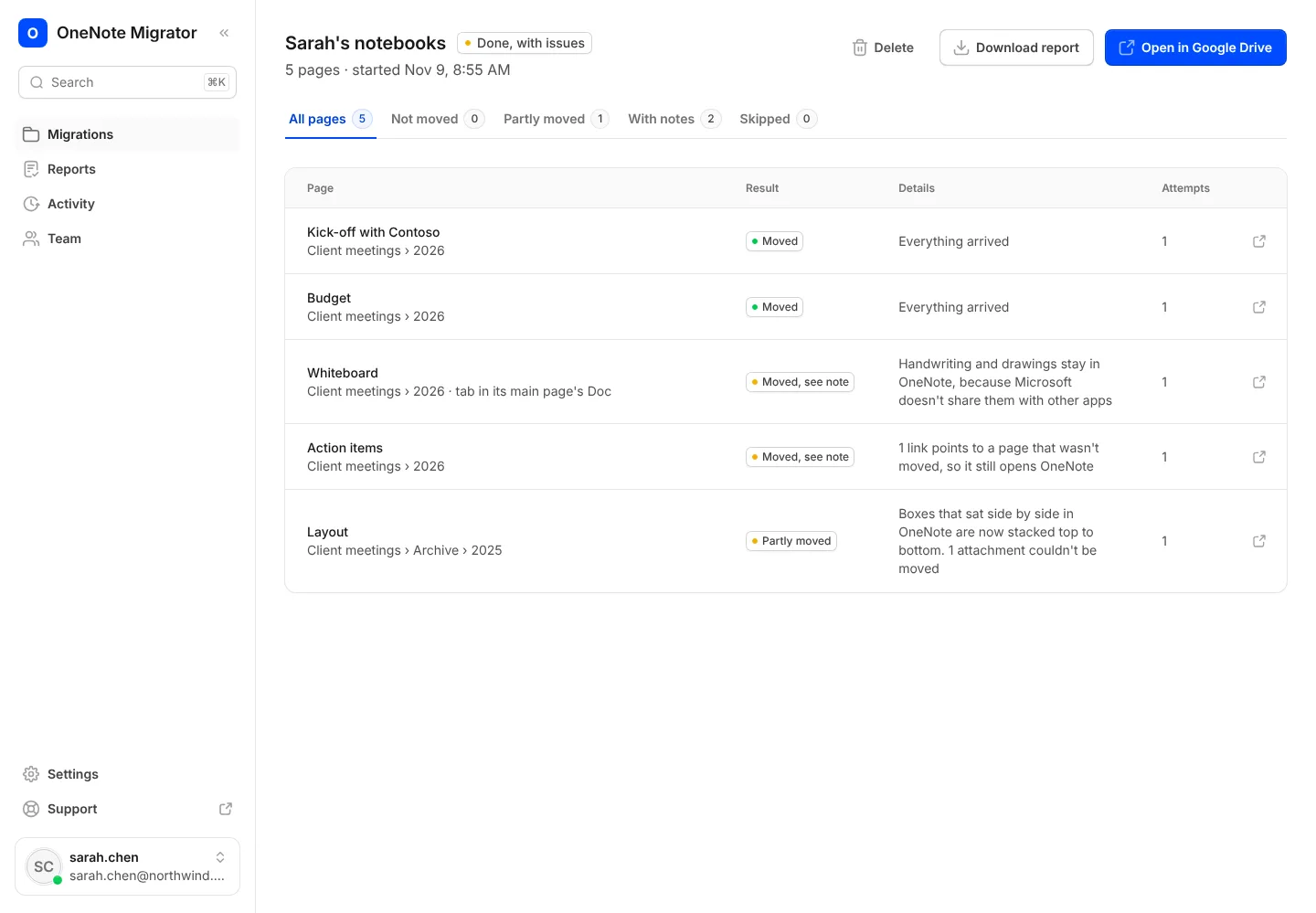
Open the report and look for pages marked Not moved. Each one says why.
- 2
Press Try again. Only those pages move; nothing is copied twice.
Bring your OneNote with you to Google
Sign in with Google, connect OneNote, and see how your notebooks will look before anything moves.